
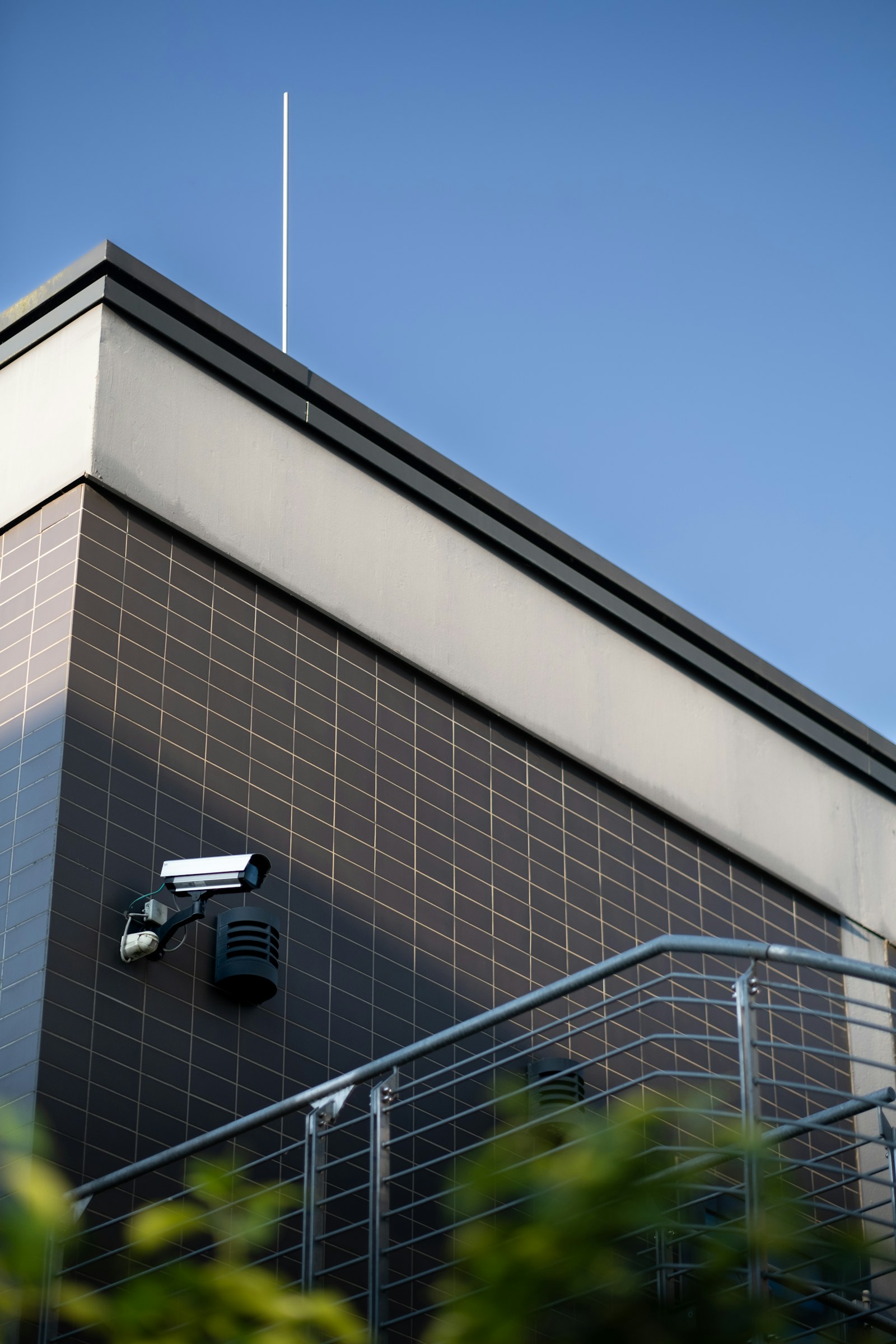
Start with the question the video must answer
Security-camera projects often begin with product comparisons: 4K versus 8K, one brand versus another, cloud versus recorder. Those decisions matter, but they come after the most important question: what must the video allow someone to determine? A wide overview can show that activity occurred. Identification requires enough detail at the subject’s location. License-plate capture needs controlled angles, shutter settings, and lighting that differ from a general parking-lot view. Package verification, cash handling, perimeter detection, and residential awareness each require a different image strategy.
Write a purpose for every camera before choosing it. Identify the target area, the event of concern, the detail required, likely lighting conditions, and who will respond. This prevents cameras from being installed merely because a corner is available. It also reveals when another measure is more effective. Better lighting, access control, fencing, intercoms, or an intrusion sensor may reduce risk more than an additional camera. Video is strongest as part of a layered system.
Pixels do not guarantee useful evidence
Higher resolution can provide more detail, but only when lens selection, distance, focus, exposure, compression, and lighting support it. A very wide field of view spreads pixels across a larger scene. Digital zoom cannot create detail that was never captured. Mounting a high-resolution camera too high may produce excellent images of the tops of heads. The design should relate pixel density to the specific task and verify performance at the actual target distance.
Resolution also affects bandwidth, storage, low-light performance, and processing demand. Some sensors handle low light better because their pixel size and optics collect more useful light. Frame rate matters for fast motion, but maximum frame rate everywhere may waste storage. Modern codecs reduce bandwidth, though aggressive compression can smear movement or fine detail. Ask to see representative recorded footage—not only a live image—under daytime, nighttime, backlight, and motion conditions.
Lighting is part of the camera system
Cameras need light, whether visible, infrared, or specialized illumination. Entrances may have bright exterior backgrounds and dim interiors in the same frame. Headlights can overwhelm a parking view. Infrared can reflect from walls, soffits, spider webs, rain, dust, or nearby landscaping. Built-in illuminators have practical distance and angle limits. A camera placed behind glass may reflect its own infrared back into the lens.
A good survey considers the scene across seasons and operating hours. Trees leaf out, snow reflects light, signs change, and outdoor fixtures fail. Wide dynamic range helps with contrast but is not a substitute for thoughtful placement. Supplemental lighting can improve both safety and image quality. In some locations, separate infrared illumination placed away from the lens reduces insects and glare. Commissioning should include nighttime adjustment after the building’s real lighting schedule is active.
Use analytics carefully and verify the scene
In 2026, cameras and recorders can classify people and vehicles, define intrusion zones, count occupants, search by attributes, and generate natural-language summaries. These tools can reduce the time spent watching or reviewing video, but they are probabilistic. Performance changes with camera angle, target size, occlusion, weather, shadows, crowded scenes, and model configuration. An analytics claim on a data sheet is not proof that it works at a particular driveway, loading dock, or front door.
Define what an alert should mean and tune the scene accordingly. A perimeter camera may ignore a public sidewalk while detecting a person who crosses a fence line after hours. A residential camera may distinguish a delivered package from general motion. Test expected events and common false triggers. Decide who receives alerts, during which hours, and what they should do. Too many notifications teach users to ignore the system; a smaller number of actionable alerts creates more value.
Engineer the network and power budget
IP cameras rely on cabling, switching, addressing, time services, and cybersecurity. Calculate bandwidth using realistic scene complexity, frame rate, resolution, codec, and retention settings. Confirm that switch uplinks and recorder interfaces can handle normal and peak traffic. For Power over Ethernet, add the demand of every camera, including heaters, illuminators, PTZ motors, speakers, and auxiliary devices, then compare it with the switch’s total power budget rather than only the per-port rating.
Place cameras on a dedicated VLAN when possible and limit communication to required services. Disable unused protocols, change default credentials, use unique accounts, update firmware, and restrict management access. Remote viewing should use a secure vendor service or VPN rather than exposed ports. Cloud-connected devices require due diligence about account security, data location, encryption, subscription terms, support lifecycle, and what functionality remains if internet service is interrupted.

Calculate storage from policy and risk
Retention is a policy decision before it is a hard-drive calculation. Determine how long it usually takes to discover an incident and what contractual, insurance, operational, or legal requirements apply. Then calculate storage using camera count, average and peak bitrate, recording schedule, motion profile, redundancy, and usable capacity after formatting. Continuous recording is predictable; motion-only recording can save capacity but depends on detection performance and scene activity.
Choose whether footage lives on an on-site recorder, in the cloud, at the edge, or in a hybrid design. Local recording can maintain service during internet outages and may offer predictable long-term cost. Cloud services simplify remote management and off-site retention but depend on upstream bandwidth and recurring fees. Edge storage can bridge network interruptions. Critical systems may replicate important events off site or use redundant storage. Test export speed and verify that exported video includes required players, timestamps, and audit information.
Respect privacy and control access
Commercial and residential owners should collect only the video needed for legitimate safety and operational goals. Avoid unnecessary views into neighboring property, private rooms, employee break areas, or other sensitive locations. Audio recording can trigger different consent requirements than video. Facial recognition, license-plate databases, and biometric analytics may be restricted or require special policy. Applicable laws vary, so owners should obtain qualified guidance for their location and use case.
Inside the system, use role-based permissions. A receptionist may need live lobby views while an investigator needs export rights and an administrator manages configuration. Enable multi-factor authentication where available. Review accounts regularly and remove access promptly when roles change. Protect exported video, document who handled it, and avoid sharing footage casually. Privacy masks can block irrelevant areas, while clear signage can support transparency and deterrence where appropriate.
Installation quality and maintenance decide longevity
Exterior cameras need suitable environmental ratings, sealed terminations, drip loops, corrosion-resistant hardware, and mounting that resists movement. Penetrations should be weatherproof and structurally appropriate. Surge protection and grounding strategy matter, especially for poles, gates, and separate structures. Interior cameras should be coordinated with ceilings, sprinklers, lighting, signage, and sightlines. Cabling should be supported, labeled, tested, and serviceable.
After installation, document final views, names, addresses, passwords transfer, retention, firmware versions, and network settings. Establish maintenance for lens cleaning, vegetation trimming, time accuracy, storage health, alert testing, firmware review, and account audits. Revisit camera views when furniture, shelving, doors, or site operations change. The most useful 2026 camera system is not the one with the longest feature list. It is the one designed around clear objectives, verified in real conditions, secured, documented, and maintained. Core Lynk Systems builds that complete chain for businesses and homes.
Have a project in mind?
We help commercial and residential clients turn requirements into clean, serviceable systems.
Request a consultation ↗